GPT.AZ · PRACTICAL GUIDE
AI Dubbing user guide: voice your video in Azerbaijani
GPT.AZ · DUBBING
60-second video guide
Watch the video or continue with the written steps below.
AI Dubbing transcribes existing video or audio, adapts it into Azerbaijani and creates a final video with voice-over and optional subtitles. This guide explains the core mobile workflow.
Real mobile workflow
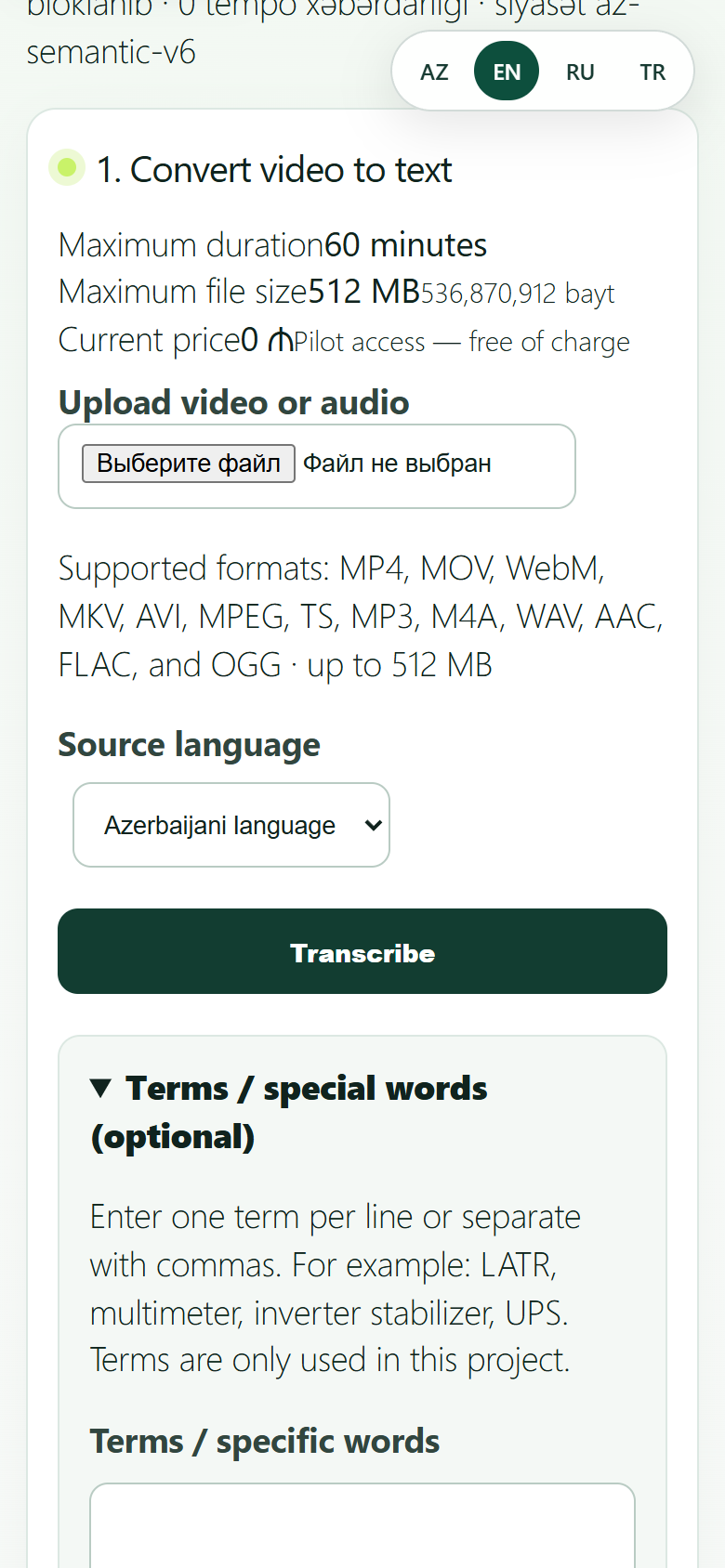
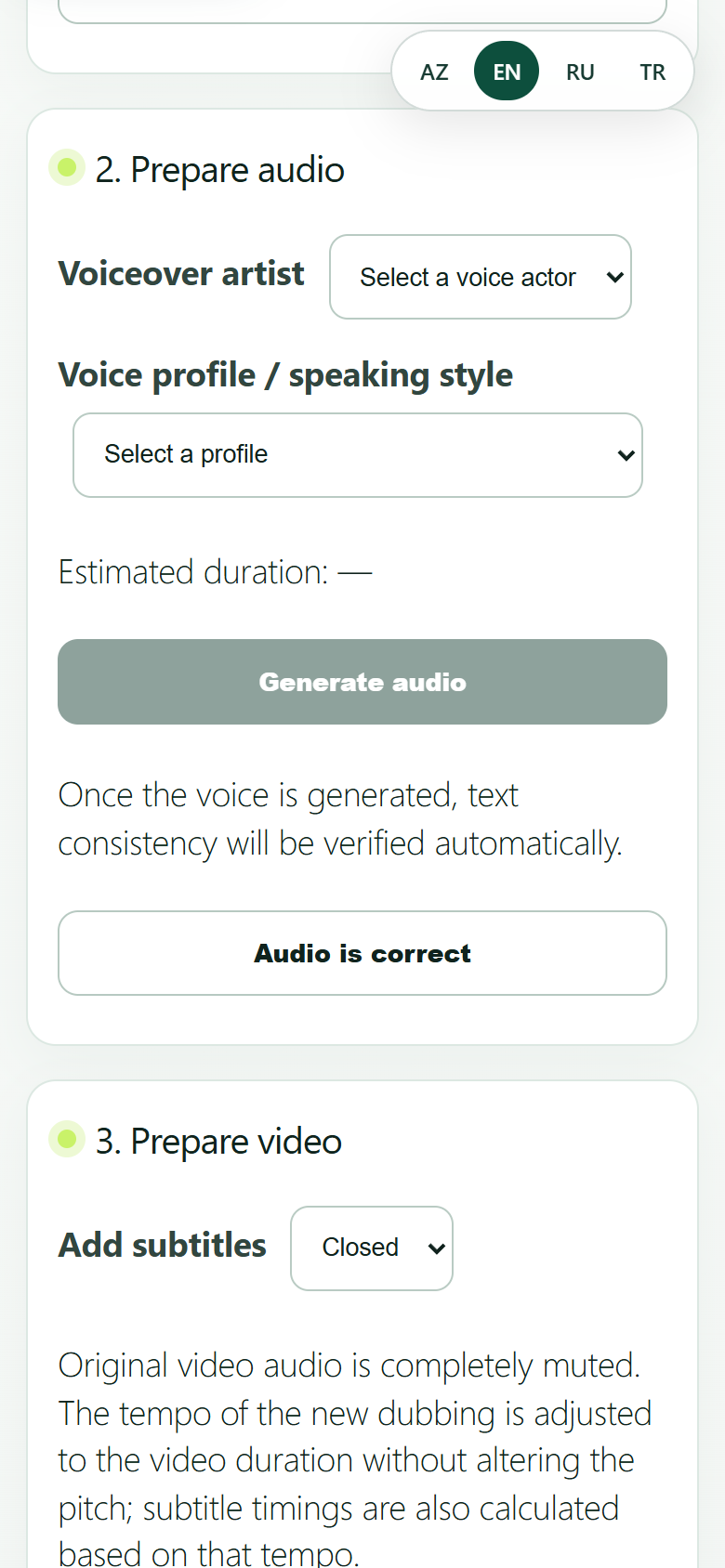
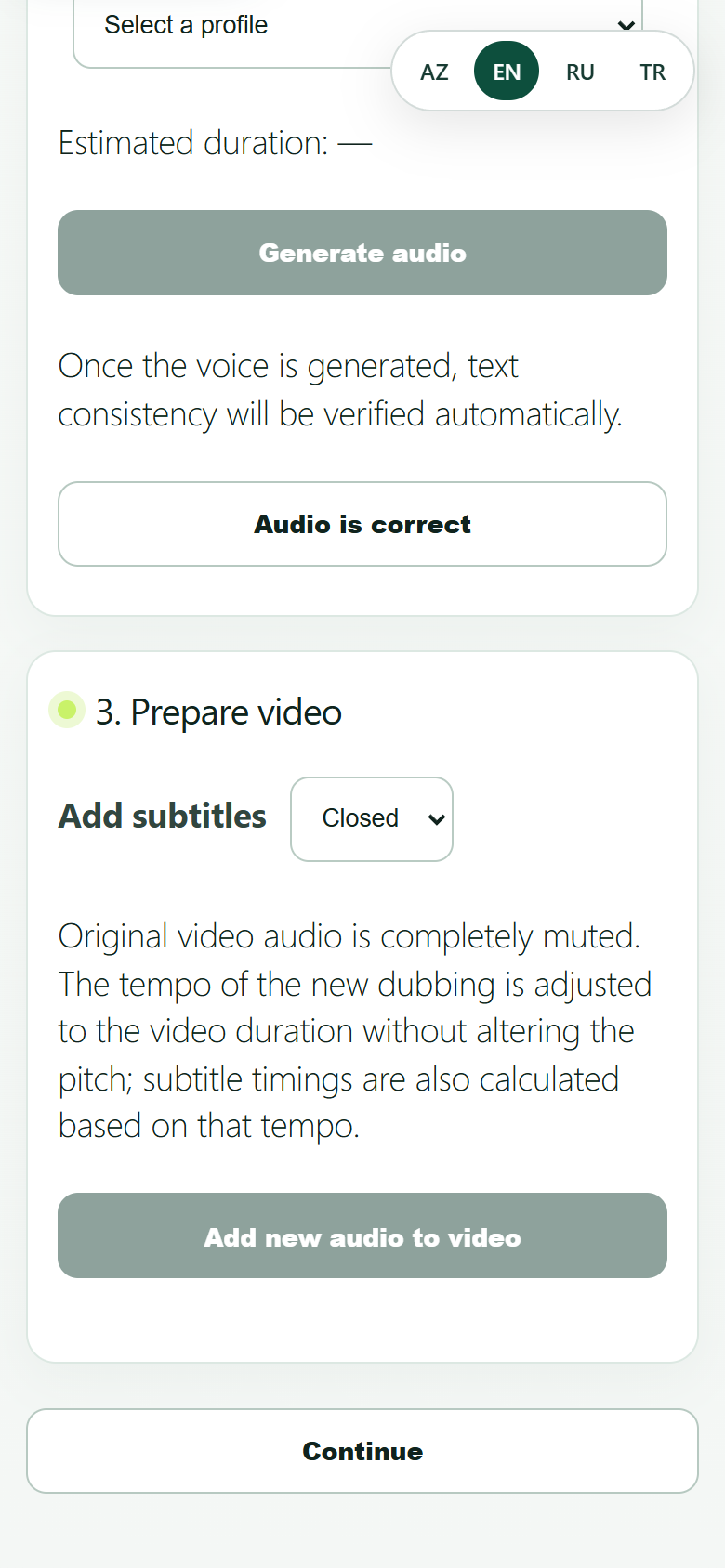
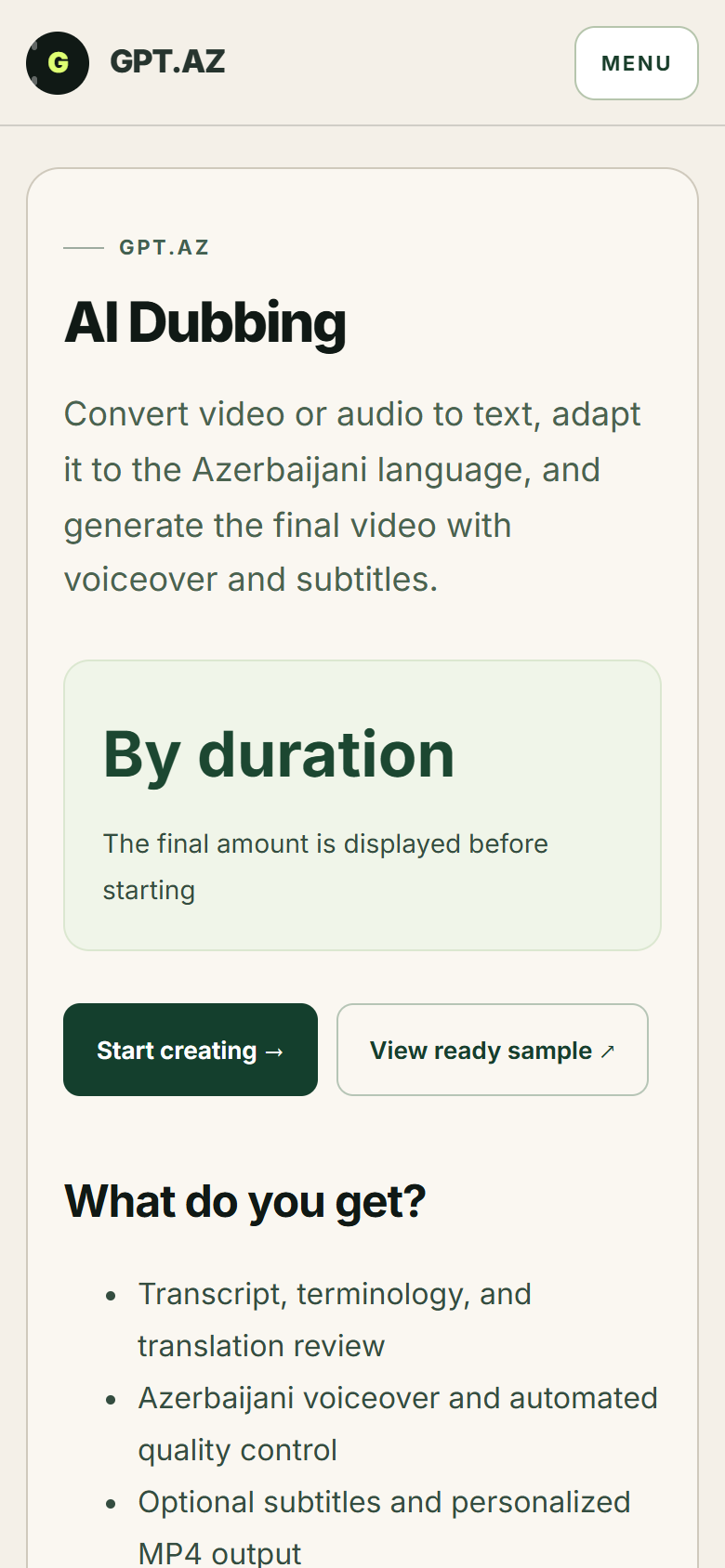
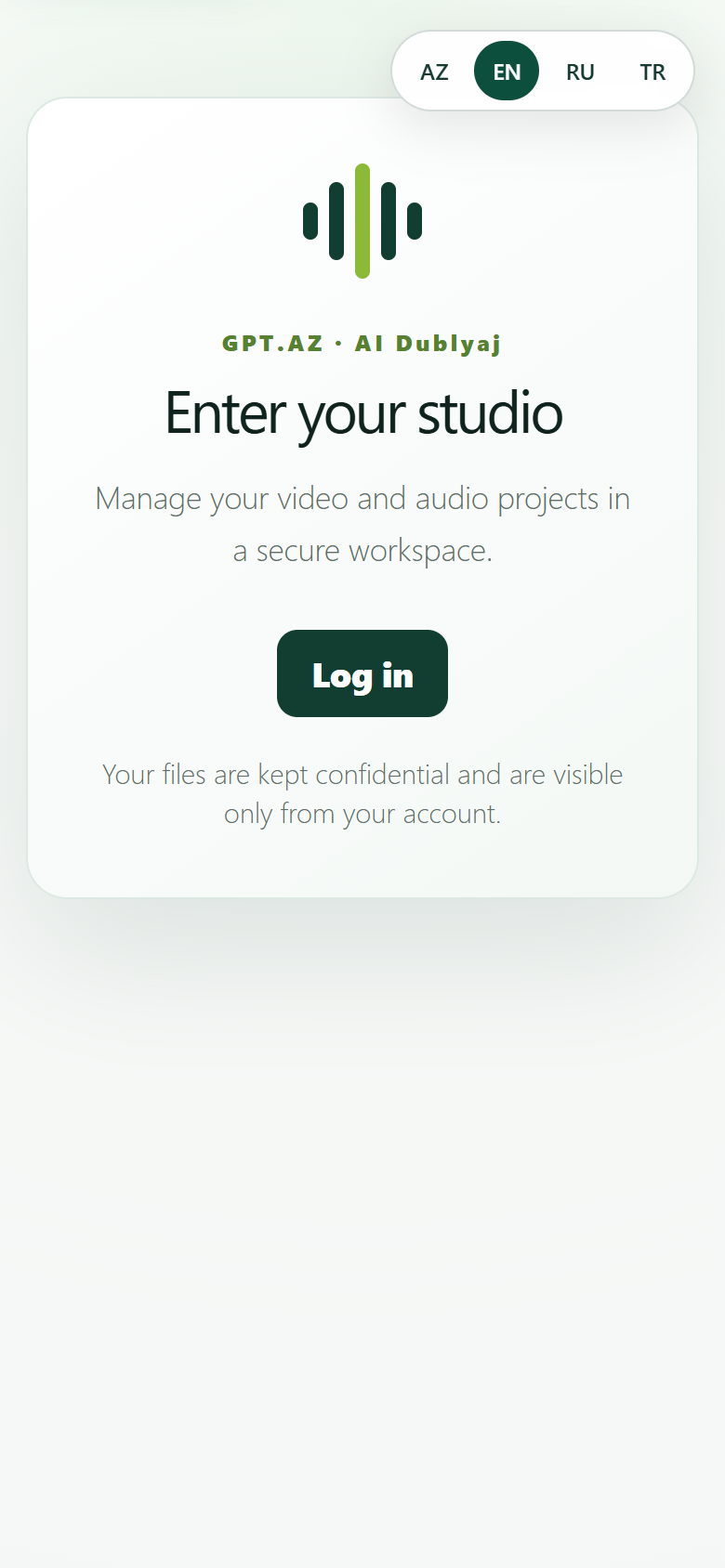
1. Sign in to the studio
Open the AI Dubbing studio and sign in with your GPT.AZ account. Projects are kept in your private workspace and are visible only through your account.
2. Upload the file
Choose a video or audio file you have the right to use. Do not close the page until the upload finishes. Clear speech, little background noise and an audible speaker improve transcript quality.
Do not use another person's voice or image without permission. You must hold the rights required to process and publish the uploaded material.
3. Review the transcript
Compare the automatic transcript with the original audio. Correct personal names, brands, numbers and technical terms. Transcript errors also affect the subsequent translation and voice-over.
4. Approve the Azerbaijani copy
Check that the translation preserves meaning and sounds natural. If a sentence is too long, choose a shorter, clearer version that fits the footage. Make sure on-screen text does not conflict with the voice-over.
5. Choose voice and subtitles
- Preview the voice.Choose a voice and speaking style that suit the project.
- Check pronunciation.Make any needed corrections for proper names and terminology.
- Enable subtitles.Make sure the text is easy to read and does not cover the image.
6. Watch the entire result
Watch the final MP4 from start to finish before downloading it. Check audio-video sync, music level, subtitles and cut points. If you notice a problem, return to the copy or voice stage and generate it again.
Common problems
The video or audio is rejected
Check the file format and size, use a stable connection, and keep the page open until the upload finishes.
The text or voice is incorrect
Correct names, numbers, and terms; listen to the full preview before creating the final result.
The result is not visible
Refresh My projects. If processing is not finished, wait a few minutes; do not start the same order again.
Still having trouble? Contact support →